Core capabilities
Stage files you are juggling. Paste text for quick tool suggestions. Route inputs to compatible tools.
Quick Drop Inbox is a staging shelf that accepts files or pasted text, then suggests matching Foldout tools and actions.
No account or card required. Local-first Mac app.
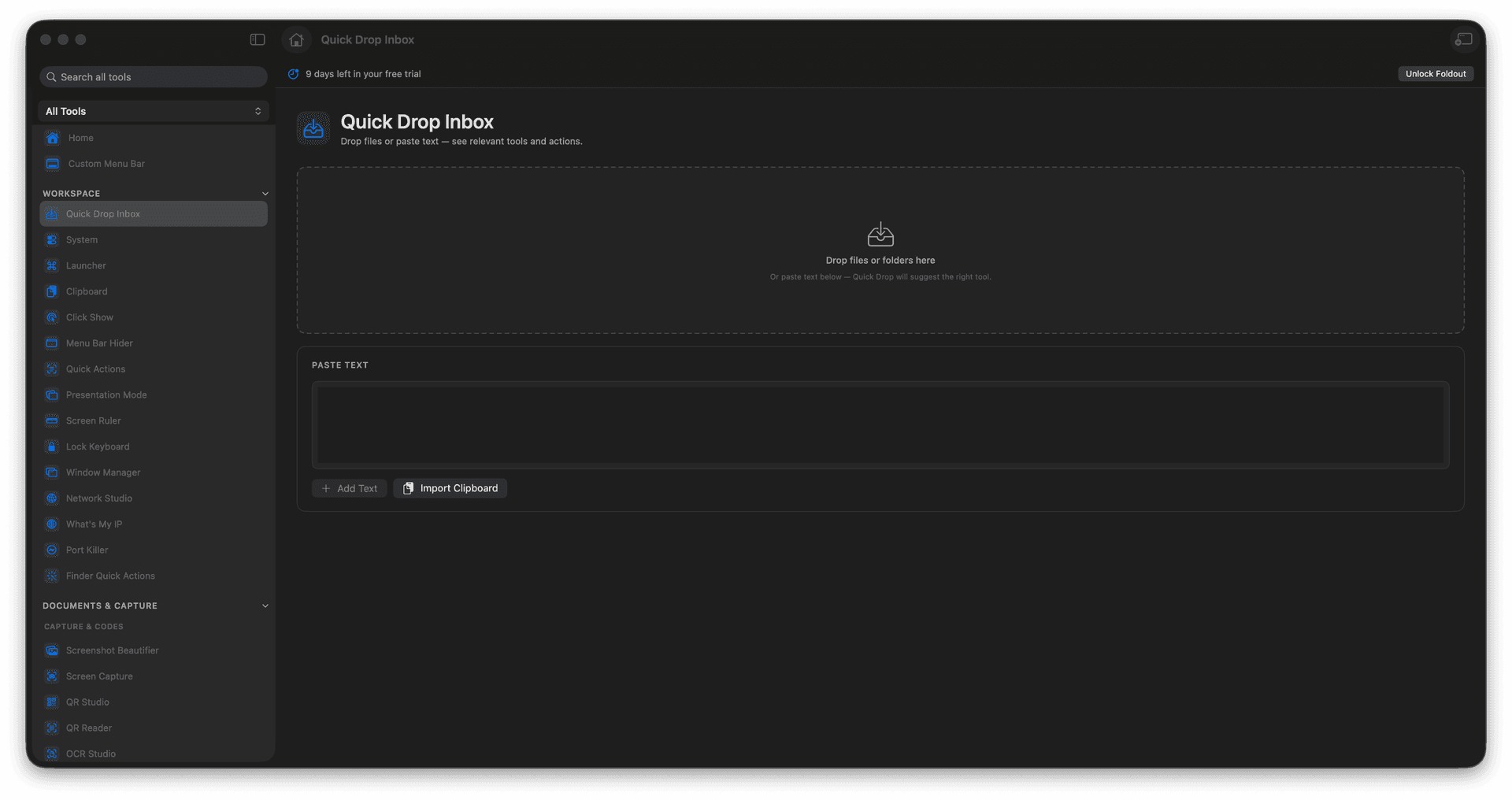
Stage files you are juggling.
Paste text for quick tool suggestions.
Route inputs to compatible tools.
Concrete features, inputs, and workflow details for this tool.
Stage files you are juggling. Paste text for quick tool suggestions. Route inputs to compatible tools.
Works with files and text.
Drop files or paste text. Review suggested tools. Choose the action you want. Return to the inbox when done.
Common uses include temporary file staging, quick actions, clipboard handoff, and tool discovery.
Drop files or paste text.
Review suggested tools.
Choose the action you want.
Return to the inbox when done.
No. It stages and routes inputs inside Foldout.