Core capabilities
Switch between cleanup, duplicate review, disk map, inventory, and empty-folder views. Review findings before removing files or opening related tools. Use one workspace for storage triage instead of separate utilities.
Storage Studio brings the storage cleanup tools together so you can inspect a folder or drive, review what is large or duplicated, and choose the cleanup action that fits.
No account or card required. Local-first Mac app.
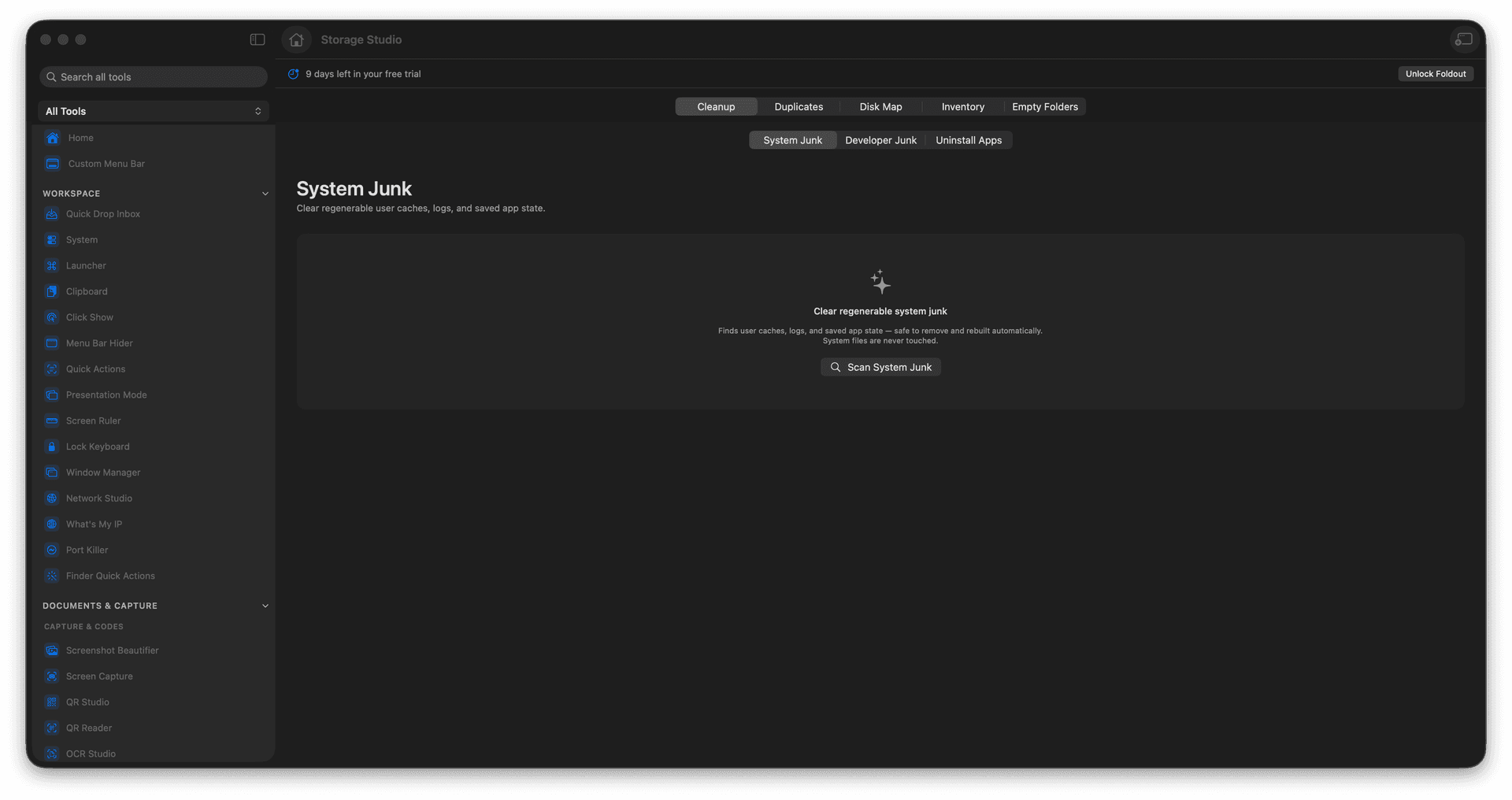
Switch between cleanup, duplicate review, disk map, inventory, and empty-folder views.
Review findings before removing files or opening related tools.
Use one workspace for storage triage instead of separate utilities.
Concrete features, inputs, and workflow details for this tool.
Switch between cleanup, duplicate review, disk map, inventory, and empty-folder views. Review findings before removing files or opening related tools. Use one workspace for storage triage instead of separate utilities.
Works with folders and drives.
Open Storage Studio. Choose the folder or drive you want to inspect. Move through the cleanup, duplicates, disk map, inventory, and empty-folder tabs. Reveal, review, or remove files only after checking the results.
Common uses include freeing a crowded Downloads folder, reviewing an external drive, finding large folders, and planning cleanup safely.
Open Storage Studio.
Choose the folder or drive you want to inspect.
Move through the cleanup, duplicates, disk map, inventory, and empty-folder tabs.
Reveal, review, or remove files only after checking the results.
No. It presents cleanup views and review steps so you can decide what to do.