Core capabilities
Review common cleanup categories. Inspect app leftovers before removal. Keep cleanup decisions visible before they affect files.
Mac Cleaner gives you focused cleanup views for common Mac storage clutter and app leftovers, with review before destructive actions.
No account or card required. Local-first Mac app.
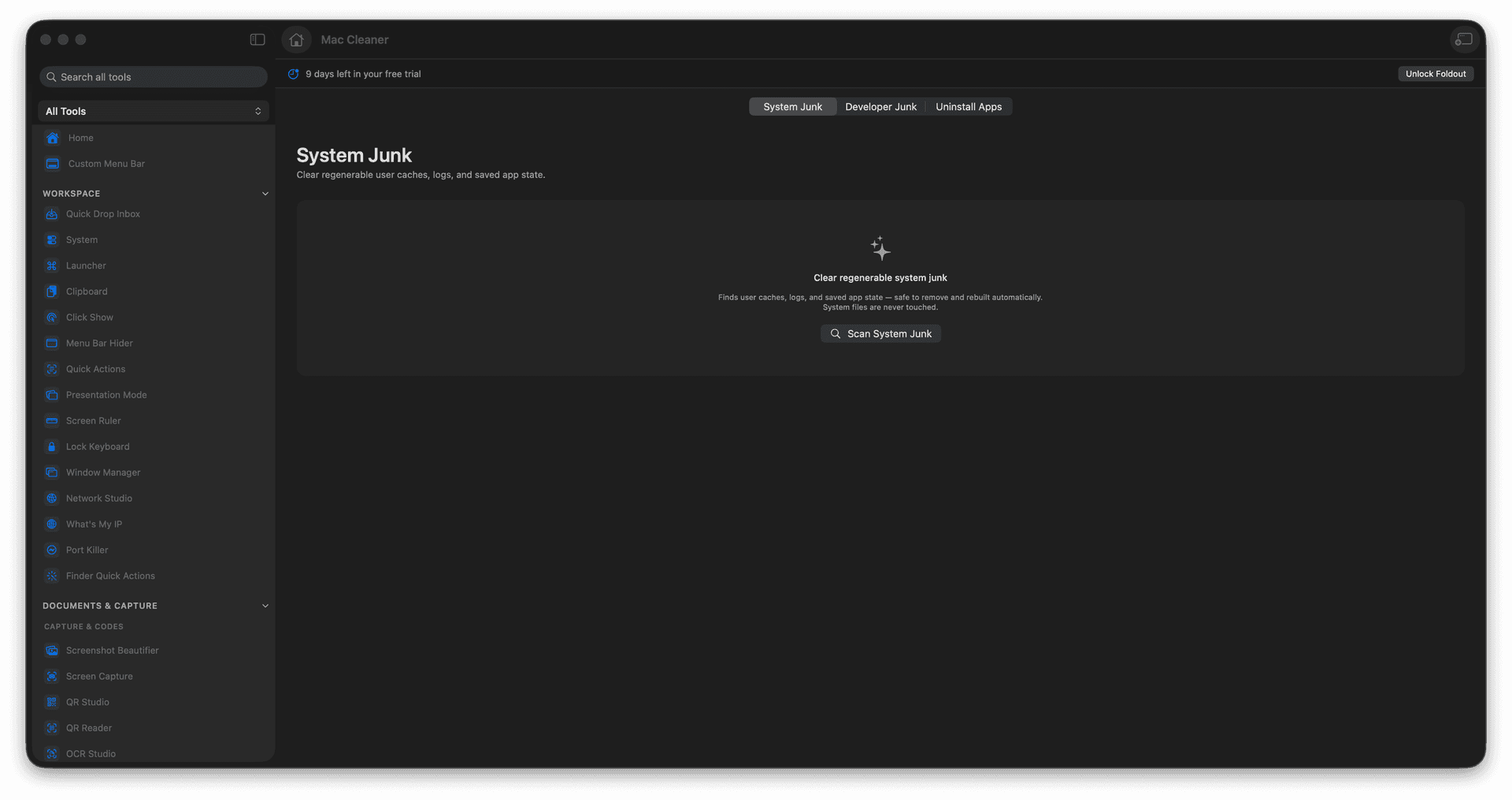
Review common cleanup categories.
Inspect app leftovers before removal.
Keep cleanup decisions visible before they affect files.
Concrete features, inputs, and workflow details for this tool.
Review common cleanup categories. Inspect app leftovers before removal. Keep cleanup decisions visible before they affect files.
Works with mac storage locations and installed apps.
Open Mac Cleaner. Choose the cleanup area you want to inspect. Review found files or leftovers. Confirm only the cleanup actions you trust.
Common uses include cache cleanup, developer disk cleanup, app leftover review, and routine Mac maintenance.
Open Mac Cleaner.
Choose the cleanup area you want to inspect.
Review found files or leftovers.
Confirm only the cleanup actions you trust.
No. Foldout protects system and Apple app locations and shows review steps for cleanup.