Core capabilities
Toggle common Finder and Dock settings. Adjust screenshot behavior. Enable keep-awake when needed.
System surfaces quick controls for desktop icons, hidden files, Dock behavior, screenshot settings, and keep-awake behavior.
No account or card required. Local-first Mac app.
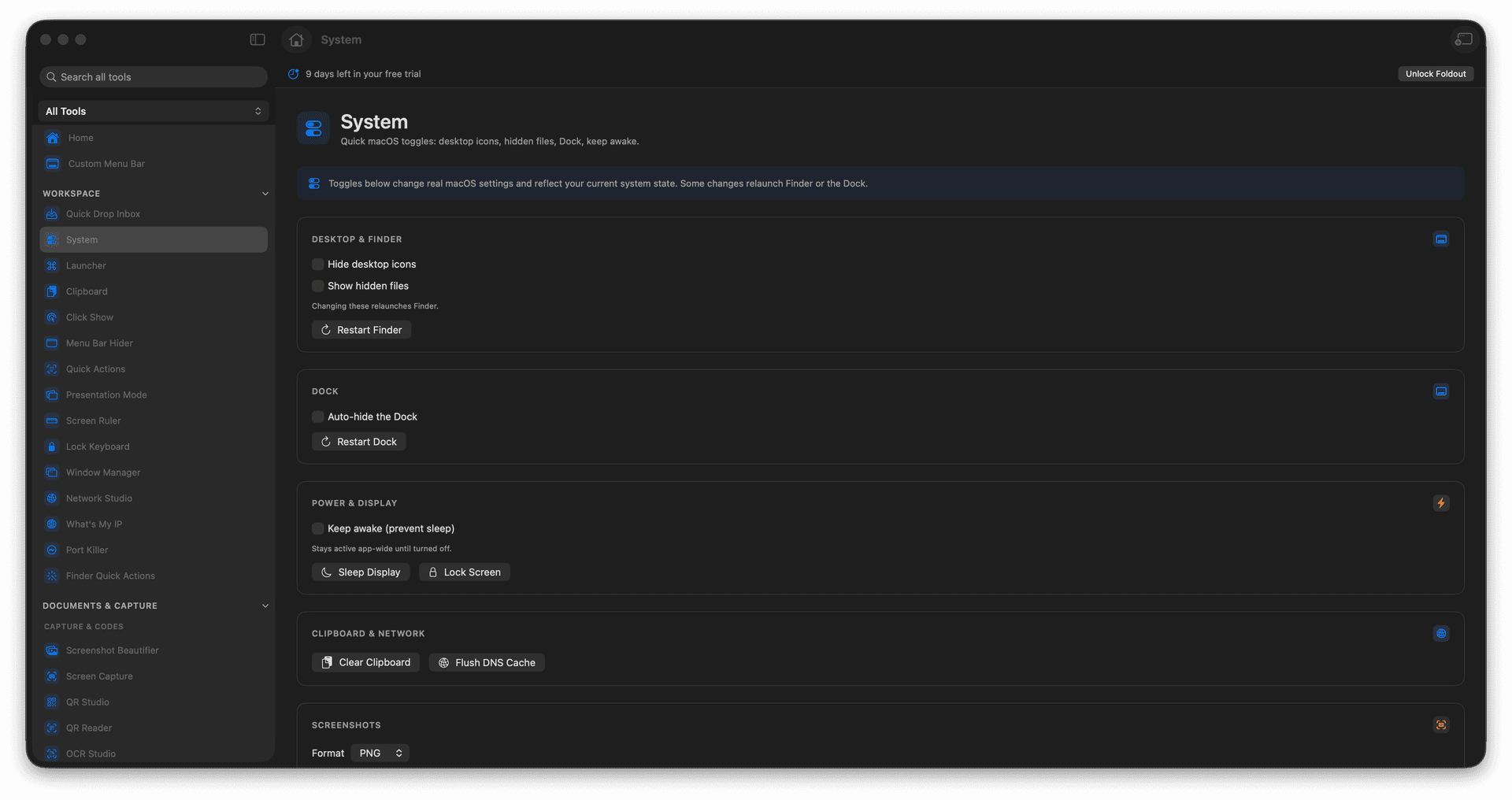
Toggle common Finder and Dock settings.
Adjust screenshot behavior.
Enable keep-awake when needed.
Concrete features, inputs, and workflow details for this tool.
Toggle common Finder and Dock settings. Adjust screenshot behavior. Enable keep-awake when needed.
Works with macOS settings.
Open System. Review the available toggles. Change only the setting you need. Switch it back when finished.
Common uses include mac setup, screen recording prep, finder visibility, and temporary system changes.
Open System.
Review the available toggles.
Change only the setting you need.
Switch it back when finished.
macOS prompts appear only for actions that need permission.