Core capabilities
Run ping, DNS, and traceroute checks. Inspect HTTP headers and TLS details. Review host and port diagnostics.
Network Studio includes ping, DNS, traceroute, HTTP headers, TLS info, and port checks for local troubleshooting.
No account or card required. Local-first Mac app.
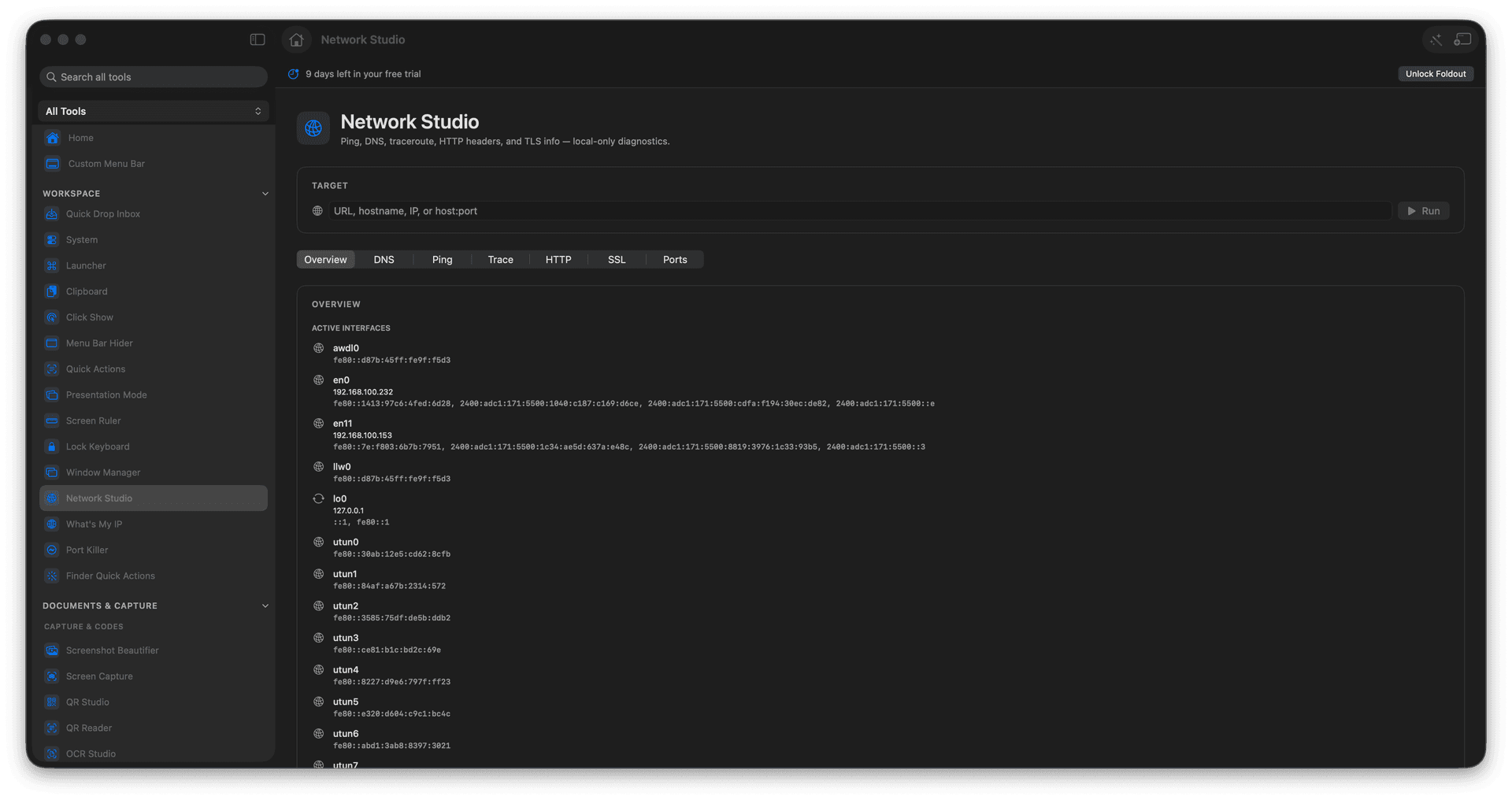
Run ping, DNS, and traceroute checks.
Inspect HTTP headers and TLS details.
Review host and port diagnostics.
Concrete features, inputs, and workflow details for this tool.
Run ping, DNS, and traceroute checks. Inspect HTTP headers and TLS details. Review host and port diagnostics.
Works with hosts, URLs, IP addresses, and ports.
Enter a host, URL, IP, or port. Choose the diagnostic tab. Run the check. Review the result.
Common uses include website debugging, network support, tLS checks, and local development.
Enter a host, URL, IP, or port.
Choose the diagnostic tab.
Run the check.
Review the result.
No. It runs diagnostics and displays results.