Core capabilities
Show local IPv4 and IPv6 addresses. Look up public IP on demand. Filter loopback and link-local addresses.
What is My IP shows local network addresses immediately and can fetch the public IP when requested.
No account or card required. Local-first Mac app.
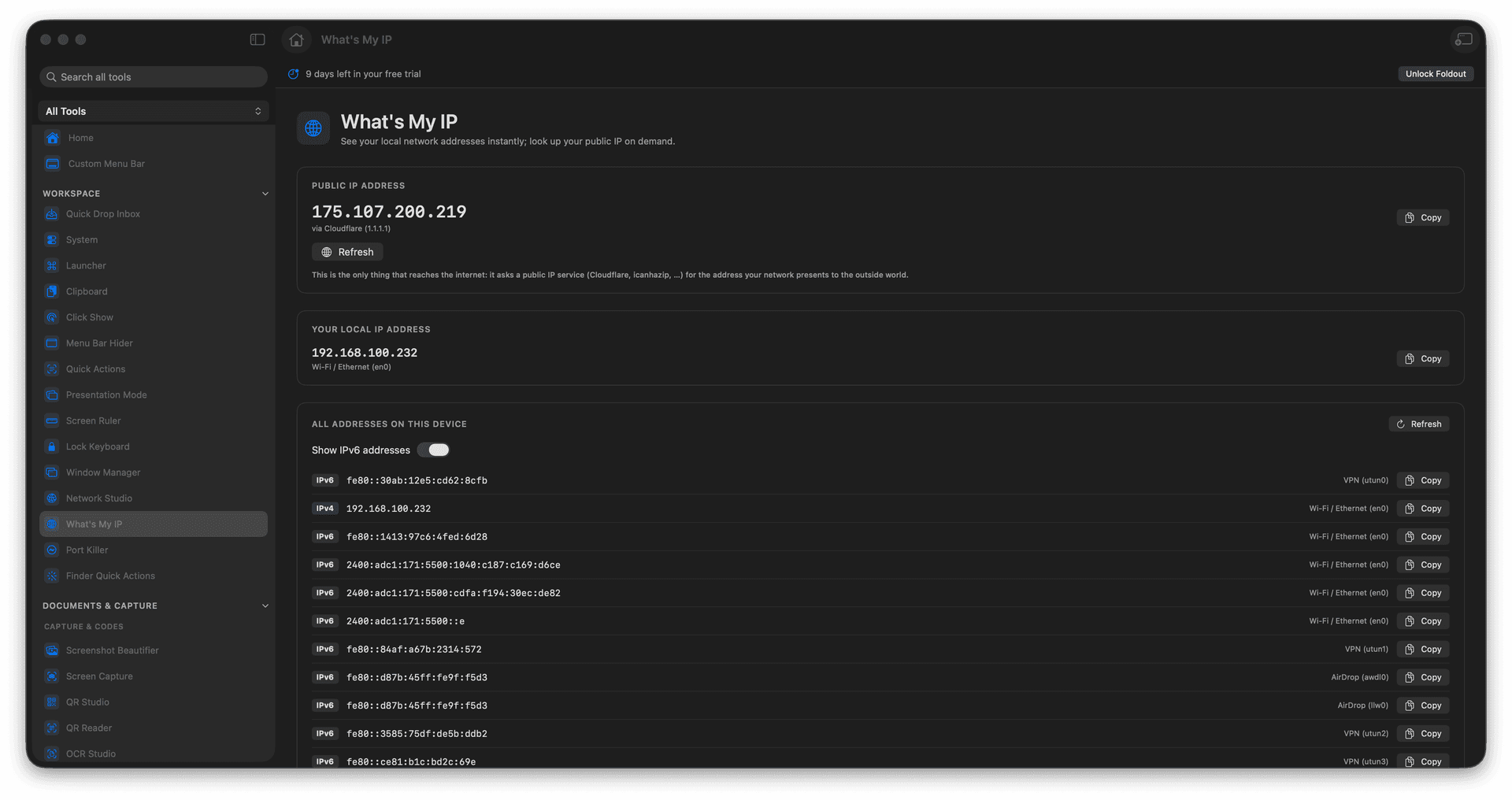
Show local IPv4 and IPv6 addresses.
Look up public IP on demand.
Filter loopback and link-local addresses.
Concrete features, inputs, and workflow details for this tool.
Show local IPv4 and IPv6 addresses. Look up public IP on demand. Filter loopback and link-local addresses.
Works with network interfaces.
Open What is My IP. Review local addresses. Run public IP lookup if needed. Copy the address you need.
Common uses include network setup, vPN checks, support replies, and local development.
Open What is My IP.
Review local addresses.
Run public IP lookup if needed.
Copy the address you need.
Yes. Public IP lookup is a network request; local addresses are read from the Mac.