Core capabilities
Search for a listening port. Show the owning process. Kill the process when you confirm.
Port Killer identifies the process holding a port and lets you stop it without switching to terminal commands.
No account or card required. Local-first Mac app.
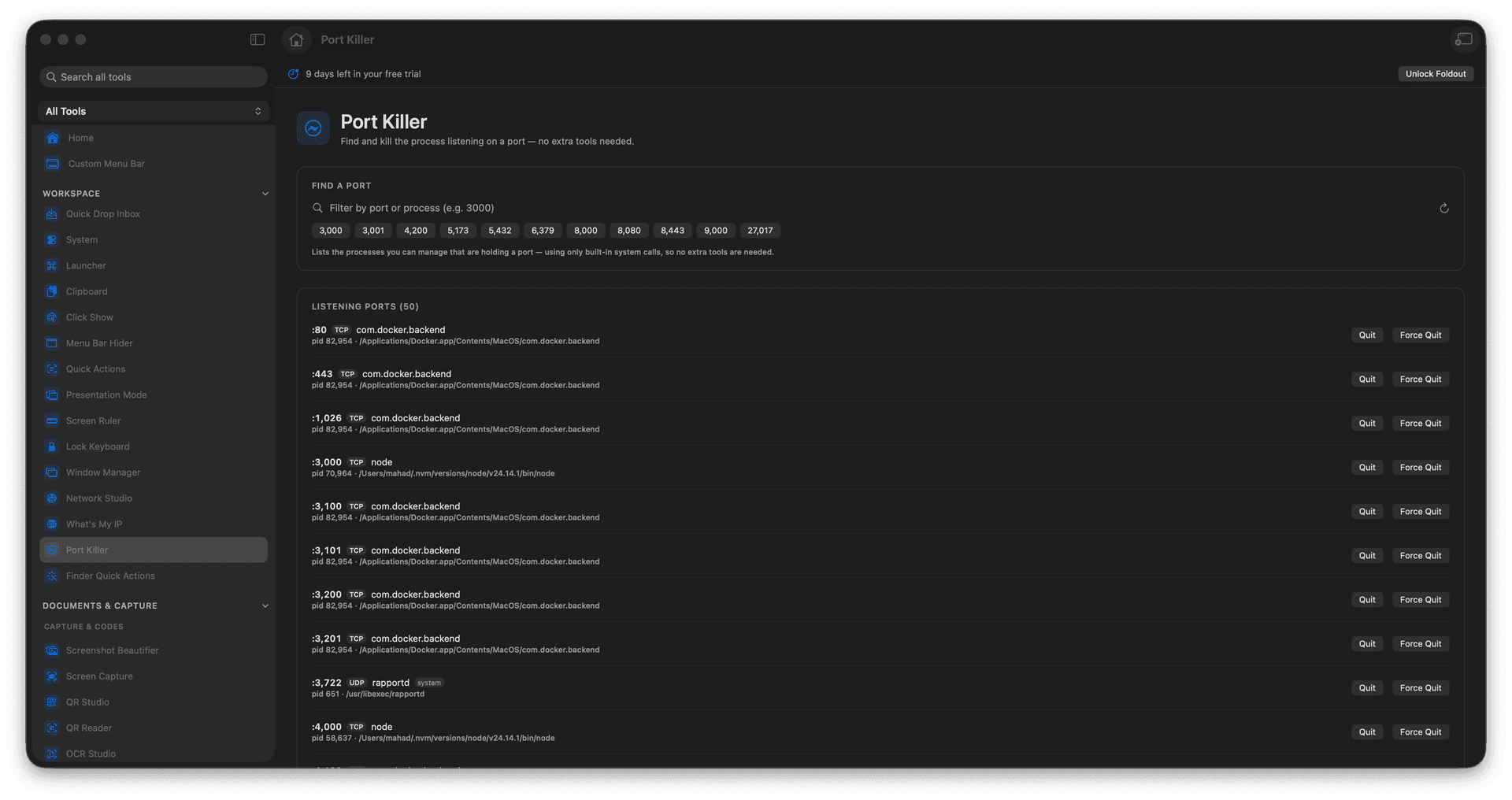
Search for a listening port.
Show the owning process.
Kill the process when you confirm.
Concrete features, inputs, and workflow details for this tool.
Search for a listening port. Show the owning process. Kill the process when you confirm.
Works with port numbers.
Enter the port number. Find the process using it. Review the process details. Kill it only if it is safe.
Common uses include local development, server cleanup, port conflicts, and testing resets.
Enter the port number.
Find the process using it.
Review the process details.
Kill it only if it is safe.
Yes. Review the process before stopping it.